

Choosing the right tablet is important because it can make a big difference in how you work, relax, or get creative. A good tablet should fit your specific needs, whether it’s for boosting productivity, enjoying entertainment, or working on creative projects.
But with so many options available, how do you choose a good tablet that truly meets your needs?
This guide will help you understand how to choose a good tablet that suits your needs and enhances your daily life. By the end, you’ll have a clear idea of what to look for in a tablet.
What Will You Primarily Use Your Tablet For?
Choosing the right tablet starts with understanding how you’ll use it. Whether it’s for entertainment, work, creative projects, or reading, each purpose requires specific features.
Entertainment
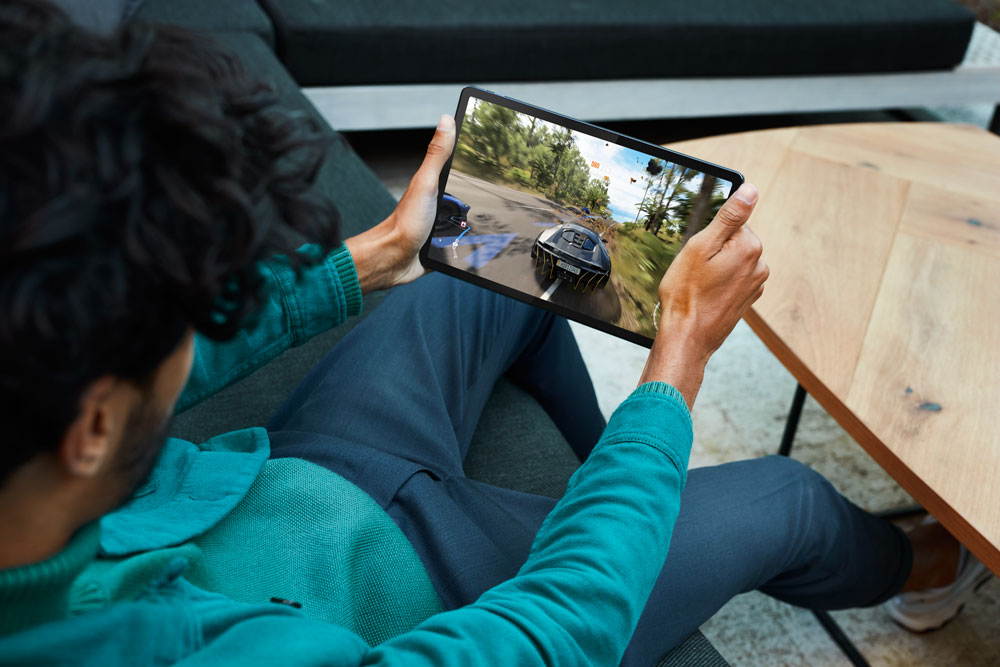
If you’ll use your tablet mainly for watching videos, gaming, or browsing, focus on a tablet with a clear, high-resolution display and strong battery life. A fast processor is also important for smooth gaming and quick browsing.
Work/Productivity
For work tasks like emailing, editing documents, and multitasking, look for a tablet with a fast processor and enough RAM to handle multiple apps at once. A tablet that supports a stylus or keyboard and has good battery life will help you stay productive.
Creative Work
If you’re an artist or designer, choose a tablet with a sharp, color-accurate display and stylus support. The stylus should be responsive with minimal lag. Tablets like the iPad Pro or Samsung Galaxy Tab S series are popular choices because they meet these needs.
Reading/Browsing
For reading eBooks or casual browsing, look for a lightweight tablet with a clear display that’s easy on the eyes. Good battery life is also important. Compact tablets are usually better for reading and browsing. Knowing how to choose a good tablet for these tasks will make your experience more enjoyable.
Key Features to Consider
When choosing a tablet, it’s important to focus on the key features that will impact your overall experience. From processing power to display quality, these elements determine how well your tablet meets your needs.
Processor and Performance
The processor is the heart of your tablet, especially important for multitasking, gaming, and professional tasks. A powerful processor ensures smooth operation, whether you’re switching between apps, playing games, or working on demanding projects. For general use, a processor with at least 4GB of RAM is recommended. If you’re into gaming or professional work, consider tablets with 6GB of RAM or more for better performance.
Display Quality
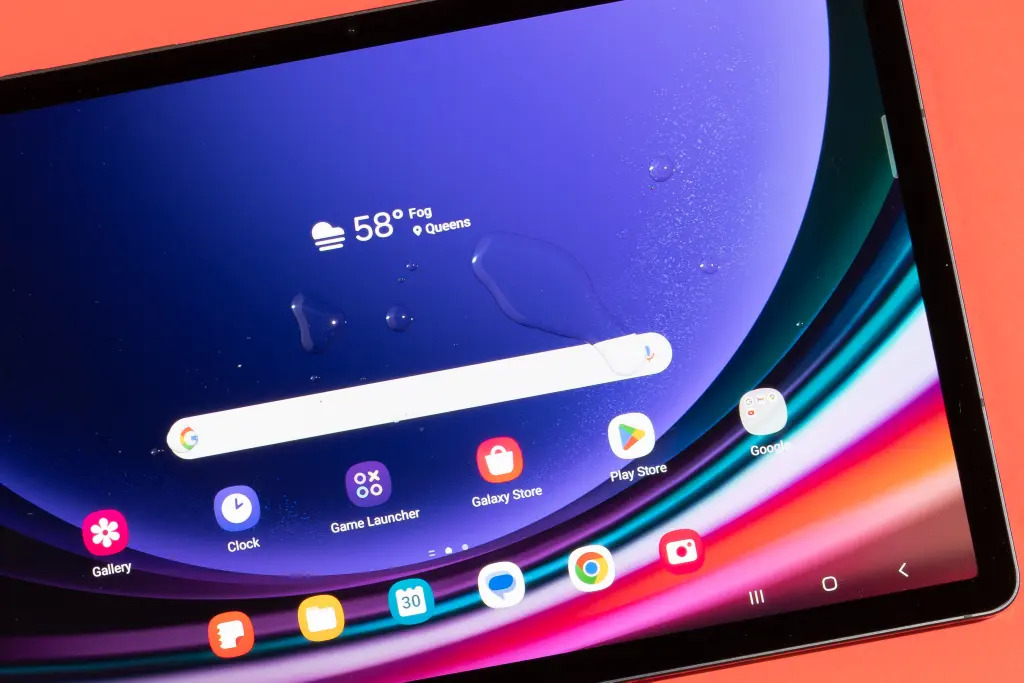
The quality of the display significantly impacts your experience, whether you’re watching videos, editing photos, or gaming. Look for a tablet with a high-resolution screen, good brightness, and accurate color reproduction. A clear, vibrant display makes media consumption more enjoyable and is crucial for tasks like graphic design where color accuracy matters.
Battery Life
Long battery life is essential if you plan to use your tablet on the go. A good tablet should last at least 8-10 hours on a single charge. This ensures you can work, watch videos, or browse the web without constantly needing to recharge.
Storage Capacity
Adequate storage is necessary if you download apps, store media, or use your tablet for work. Tablets with 64GB of internal storage are suitable for light use, but if you plan to store a lot of media or apps, look for 128GB or more. Some tablets offer expandable storage options, allowing you to add more space with a microSD card, which can be very useful.
Our Top Tablet Recommendations
To help you make the best choice when selecting a tablet, we’ve compiled a list of the top tablets. These tablets have been selected based on a combination of expert reviews and user feedback, ensuring that they provide the best value, performance, and user experience for their respective categories.
Budget-Friendly Option: Amazon Fire HD 10 (2023 release)
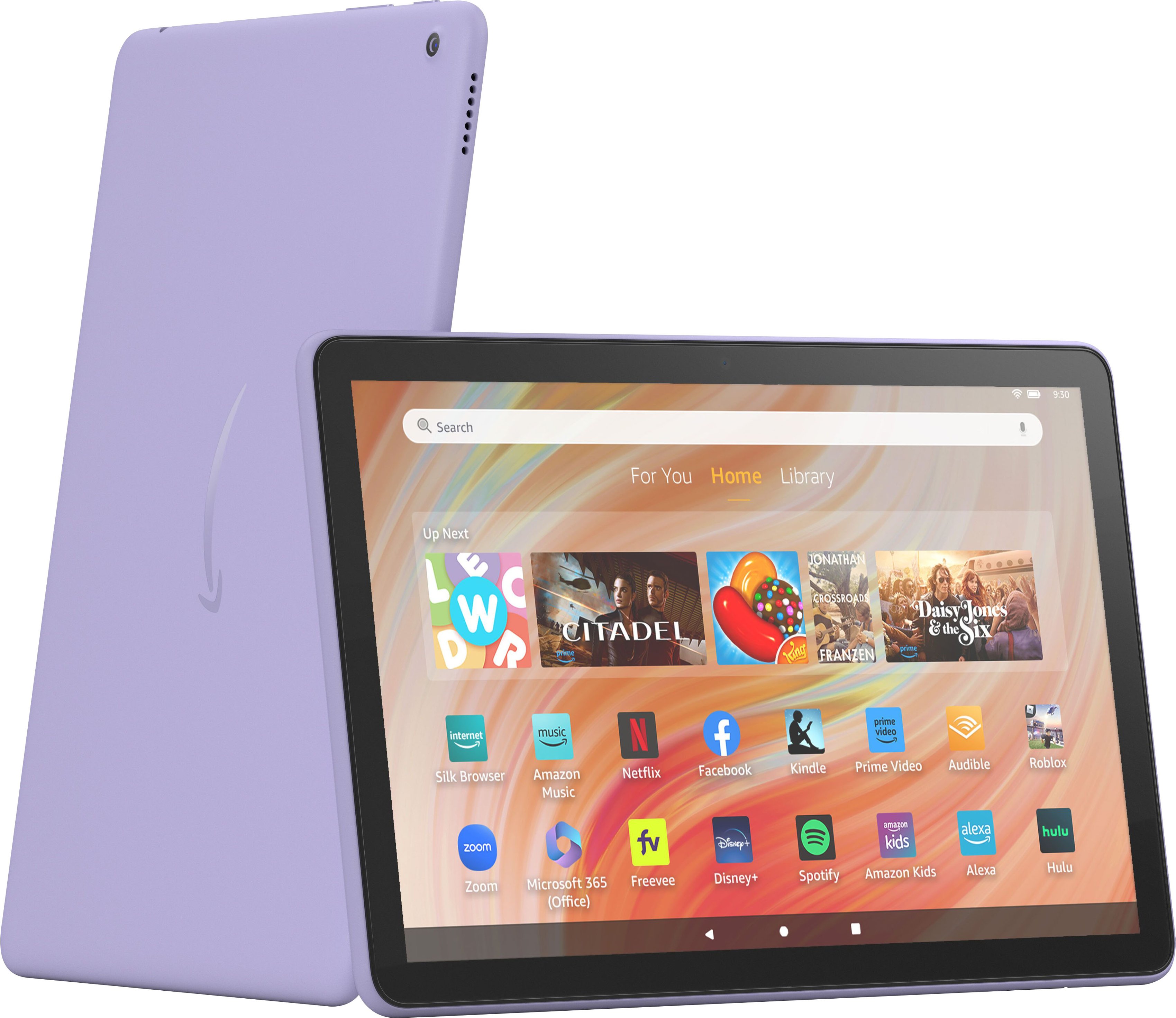
- Key Features: 10.1-inch Full HD display, 32GB storage (expandable up to 1TB with microSD), 2.0 GHz octa-core processor, 3GB RAM
- Pros: Affordable, good display quality, long battery life (up to 12 hours), expandable storage
- Cons: Limited app availability (Amazon Appstore only), average performance for gaming
- Why It’s a Top Pick: The Amazon Fire HD 10 offers excellent value for money, making it a great option for casual users who want a reliable tablet for streaming, reading, and light browsing.
- Check price
Mid-Range Option: Apple iPad 10.2 (9th Generation)
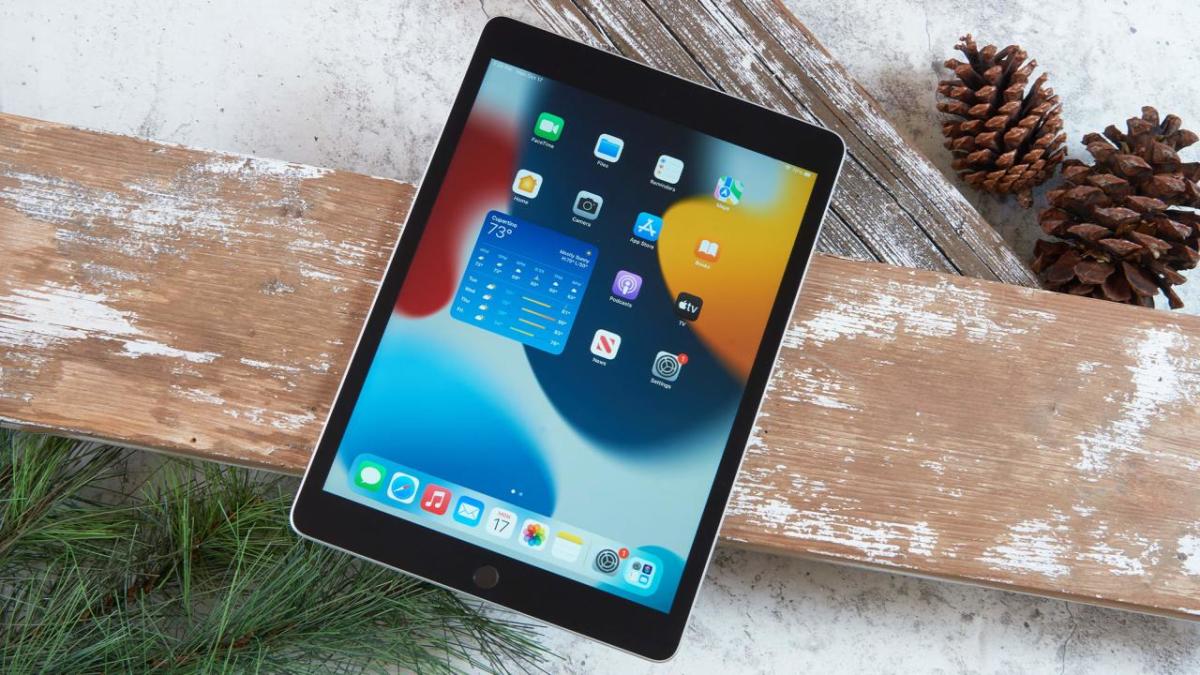
- Key Features: 10.2-inch Retina display, 64GB storage, A13 Bionic chip, iPadOS
- Pros: Strong performance, excellent app ecosystem, good display, solid build quality
- Cons: Base storage could be higher, no Face ID
- Why It’s a Top Pick: The iPad 10.2 (9th Gen) offers a great balance of performance, display quality, and app availability at a reasonable price, making it ideal for both work and entertainment.
- Check price
High-End Option: Apple iPad Pro 12.9 (M2, 2022)
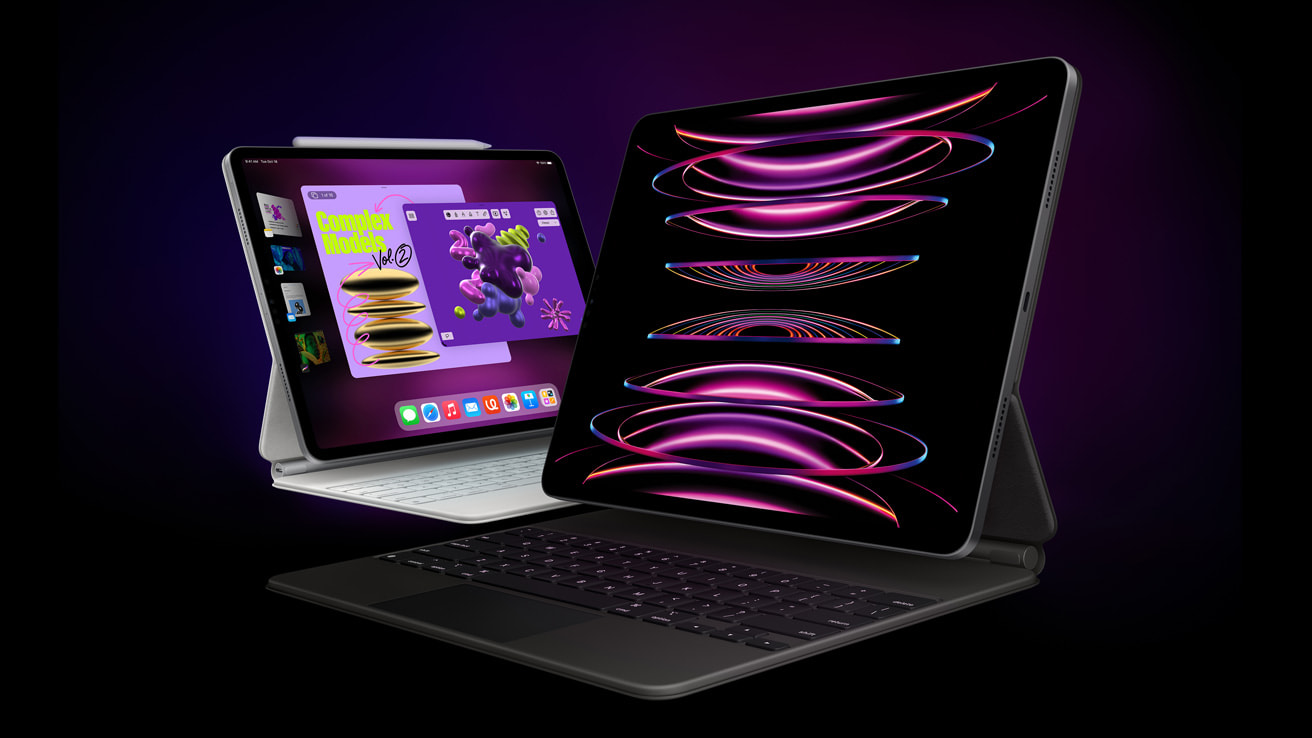
- Key Features: 12.9-inch Liquid Retina XDR display, 128GB to 2TB storage options, M2 chip, Apple Pencil and Magic Keyboard support
- Pros: Exceptional performance, industry-leading display, great for professional creative work, excellent accessory support
- Cons: Expensive, overkill for basic tasks, heavy
- Why It’s a Top Pick: The iPad Pro 12.9 (M2) is the ultimate tablet for professionals, offering unmatched power and display quality, perfect for design, video editing, and multitasking.
- Check price
Additional Tips for Tablet Buyers
When choosing a tablet, it’s important to pick one that will stay relevant and functional for years to come. Look for devices with up-to-date hardware and regular software updates to ensure longevity. If you’re on a tight budget, consider buying a refurbished tablet—these often offer great value at a lower cost while still delivering solid performance. Finally, don’t overlook the importance of a good warranty and reliable customer support. These can save you a lot of trouble if you run into issues with your tablet down the line.
Frequently Asked Questions
- What is the best tablet for general use?
The Apple iPad 10.2 (9th Gen) is a great all-around tablet, offering strong performance, a good display, and access to a wide range of apps.
- Can I use a tablet as a replacement for my laptop?
Yes, especially high-end tablets like the Apple iPad Pro or Microsoft Surface Pro, which offer powerful performance and accessory support for tasks typically done on a laptop.
- Is it worth buying a refurbished tablet?
Yes, refurbished tablets can offer excellent value for money, especially if they come with a warranty and have been thoroughly inspected and restored.
- How much storage do I need on a tablet?
For light use, 64GB is usually enough. If you plan to store a lot of media or apps, consider 128GB or more. Some tablets also offer expandable storage options.
- What’s the difference between Wi-Fi and cellular tablets?
Wi-Fi tablets connect to the internet via Wi-Fi only, while cellular tablets can use a SIM card to connect to mobile networks, allowing internet access anywhere.
Conclusion
When choosing a tablet, it’s essential to consider how you’ll use it, key features like performance, display quality, and battery life, and your budget. By focusing on these factors, you’ll be well-equipped to select a tablet that meets your needs and enhances your daily activities. Following these tips, you can confidently make an informed purchase that you’ll be happy with for years to come.